

Pipedrive to Google Sheets — Weighted Sales KPI Automation
The client wanted daily and weekly visibility into the activity of five sales team members, including calls, emails and meetings with differentiated scoring.
Project overview.
The client wanted daily and weekly visibility into the activity of five sales team members, including calls, emails and meetings with differentiated scoring.
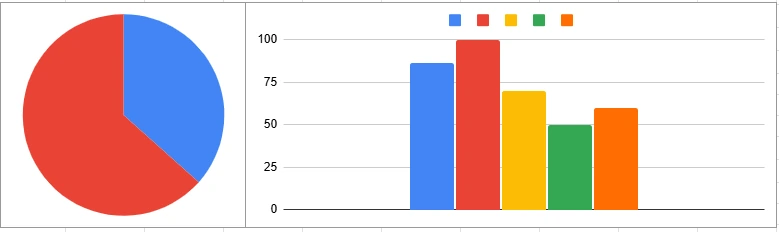
A five-person sales team wanted daily and weekly visibility into calls, emails and meetings. The desired output was a weighted performance score, not merely a raw activity export, so different activities needed business-approved point values and an identifiable owner and reporting period.
What needed to change.
The first integration idea used Coupler.io, but the available plan's access and refresh characteristics were unsuitable for the desired frequency. Make.com became the processing candidate. Trigger reliability and score reconciliation remained material problems after initial testing.
An activity score is meaningful only when the same Pipedrive event isn't counted twice and activities are assigned to the correct salesperson and date.
A connected solution.
We worked with Pipedrive activity data and Make.com to populate a Google Sheets scorecard. The model grouped activity by salesperson and reporting period, then applied differentiated point weights so managers could compare activity totals. Testing identified issues with trigger reliability and weighted scoring that required further validation. Technology stack: Pipedrive · Google Sheets · Make.com · Coupler.io evaluated.
Implementation, step by step.
Data and reporting objectives
Define activity types, team roster and the intended daily and weekly scorecard outputs.
Coupler.io evaluation
Coupler.io was initially considered, but refresh-frequency and access limitations of the available plan led to Make.com as the chosen integration layer.
Pipedrive activity ingestion
Use permitted Pipedrive activity data and webhook or scheduled processing to update the reporting sheet.
Weighted scoring
Different activity types were intended to carry different point weights; the business needed a consistent formula.
Team dashboards
Google Sheets was used for per-user activity totals and performance summaries.
Testing problems
May testing showed some functionality, while scoring and trigger problems continued through at least June 9.
Accuracy boundary
Full scorecard accuracy requires verification against actual CRM events.
Technical decisions, edge cases and validation
The team dashboard could show daily and weekly totals, but its presentation was secondary to reconciliation with the CRM source events. The reporting workflow needs source-to-sheet reconciliation before its scoring accuracy can be described as consistently reliable.
What We Delivered.
Pipedrive activity mapping, Make.com automation and Google Sheets scoring work were developed and refined through testing.
The reporting workflow was configured and refined; end-to-end trigger and scoring accuracy requires further live validation.
Technical lessons for comparable projects: Establish point weights with the business before implementing formulas.
Separate data ingestion from score calculations so missing triggers can be diagnosed.
Reconcile a small sample of original Pipedrive activities against sheet totals.
Project Highlights
- The reporting workflow was configured and refined; end-to-end trigger and scoring accuracy requires further live validation.
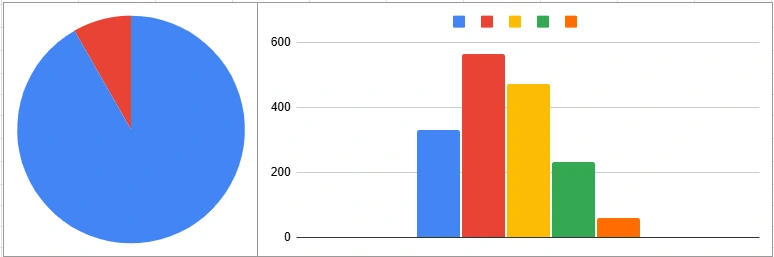
Frequently Asked Questions.
Can sales activities be weighted in Google Sheets?
Yes. An approved formula can assign different points to calls, meetings and emails.
Why was Coupler.io not retained?
Refresh and access limits in the evaluated plan did not match the requested workflow.
How should the KPI scorecard be validated?
Compare sample Pipedrive activities with the Google Sheets totals and verify that each automation trigger runs consistently before relying on the scorecard.
Need more reliable sales reporting?
Discuss your CRM and reporting requirements with Superb Digitals.
Related client work.
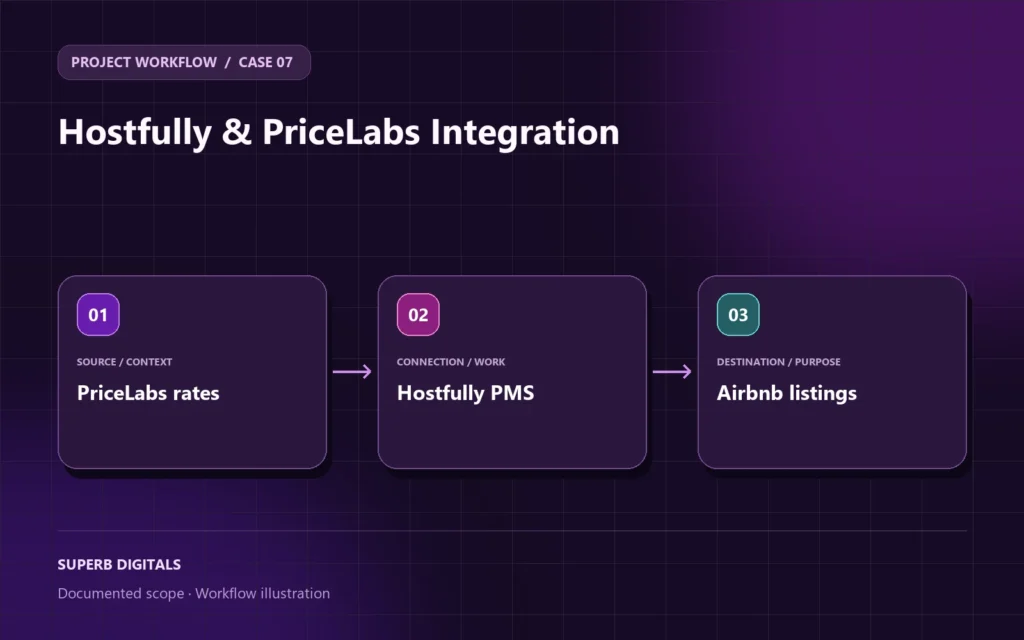 AI Automation
Hostfully & PriceLabs Integration
Two rental listings with different booking windows, connected pricing and practical stay-rule troubleshooting.
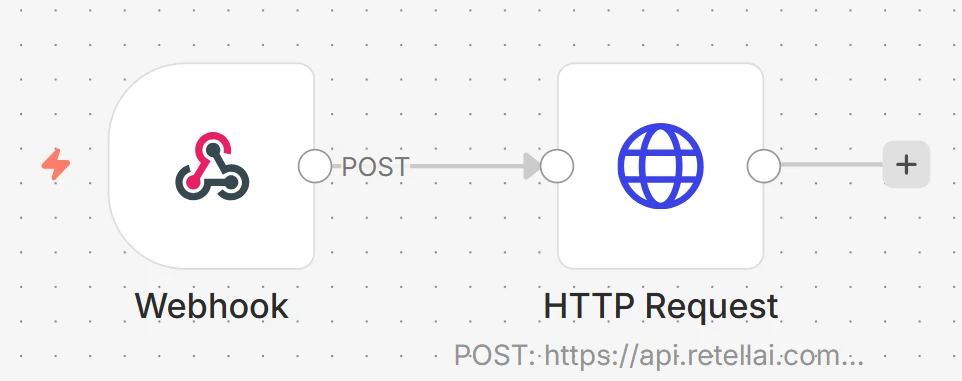 AI Voice Agents
Retell AI + GoHighLevel Outbound Calling Automation
An AI outbound-calling integration connecting Retell AI, GoHighLevel and n8n for lead outreach, qualification and CRM handoff.
 AI Automation
24/7 Weather Monitoring & Smart Alert Automation
A six-phase weather automation project using Tempest, WeatherLink, IFTTT, Make.com and Apps Script for rain and storm alerts.