MYOB AccountRight to ClickUp — Quotation Task Automation
The client wanted new MYOB sales quotations from two selected company files to appear as ClickUp tasks with customer details, sales document numbers and full product lines.
Project overview.
The client wanted new MYOB sales quotations from two selected company files to appear as ClickUp tasks with customer details, sales document numbers and full product lines.
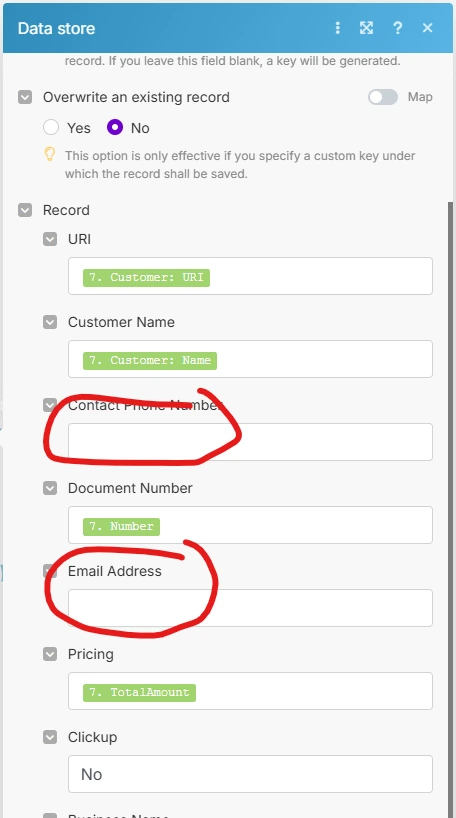
The Australian tile business used four MYOB company files and wanted quotes from two selected companies routed to two distinct ClickUp Quotes lists. Every task needed the right customer, quote number, phone, email and item-level quantities, prices, discounts and totals.
Superb Digitals continued the technical implementation beyond the initial engagement.
What needed to change.
OAuth scopes, token refresh and company-file identifiers created early blockers. Later tests confirmed some tasks but exposed blank contact fields, repeated descriptions, missing quote lines and failure to distinguish separate quotations for the same customer. The client also reported around 16,000 Make.com operations from a refresh-related scenario.
The source field and ClickUp field have different purposes: customer contacts belong in custom fields, while line-level quotation detail belongs in the task content/description.
A connected solution.
We worked through MYOB authorization and support guidance, reported successful token renewal and obtained identifiers for the two selected businesses. By late July, quotation retrieval and ClickUp test tasks were documented. The routing design separated Geisha quotations from the Save on Tiles/DTW Quotes destination, while quotation identity needed to use the correct company plus document reference rather than only a customer name. Superb Digitals has subsequently reported completing the wider work, though the surviving archive does not certify every final field or operation-cost improvement. Technology stack: MYOB AccountRight · OAuth · Make.com · ClickUp.
Implementation, step by step.
Four-company environment
The client initially described four MYOB company files and prioritized two businesses with separate ClickUp Quotes lists.
OAuth scopes
Early work was blocked by authorization and scope errors and required repeated discussion with MYOB support.
Token management
The developer reported successful token refreshes on June 6, using a roughly 15-minute refresh schedule for an approximately 20-minute token.
Business IDs
By July 3, the developer reported obtaining identifiers for the two priority businesses.
Quote retrieval
On July 26, the developer reported retrieving quotation data and creating new ClickUp test tasks.
Partially correct fields
The client confirmed that names and sales document numbers were arriving, but phone and email fields were not consistently populated.
Line items and uniqueness
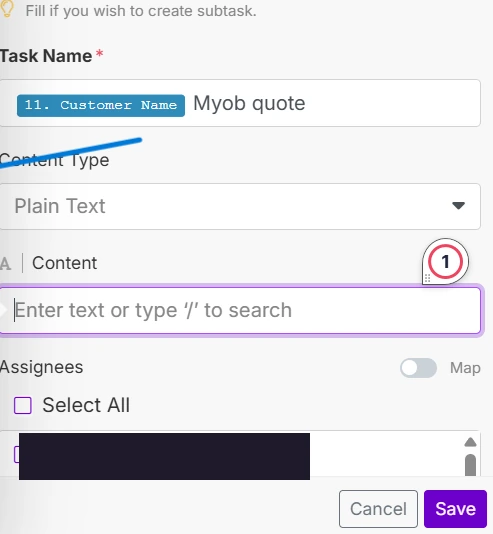
The client needed quantity, description, price, discount and line totals; they also needed separate tasks for different quotes from the same customer.
Make.com usage
The client reported excessive scenario operations, including approximately 16,000 operations for a refresh-related scenario.
Technical decisions, edge cases and validation
The client's testing demonstrated why several quotes for one customer must remain distinct tasks. Customer-level deduplication is unsafe for quotation workflow design. An August developer statement that both scenarios were live was followed by contradictory client test results.
What We Delivered.
MYOB quote retrieval and ClickUp test tasks observed. Customer names and sales document numbers were confirmed working in a July test.
Technical lessons for comparable projects: Select the correct MYOB company file before querying or routing records.
Keep quote identity separate from customer identity.
Inspect itemized quote endpoints and map real lines, not just headers.
Audit every Make.com module and scheduling frequency against actual operation consumption.
Implementation Summary
- The MYOB-to-ClickUp engagement covered quotation data mapping, integration work and resolution of field and usage issues.
Frequently Asked Questions.
How many MYOB companies were involved?
Four company files existed; two were prioritized for this integration.
Should two quotes for one customer share one task?
No. Separate quotation documents should remain distinct records.
What item-mapping issues did testing identify?
Testing identified missing values and incorrect item descriptions that required mapping adjustments.
Need quotations connected to your project workflows?
Tell us about your project and discuss the next steps with Superb Digitals.
Related client work.
 AI Automation
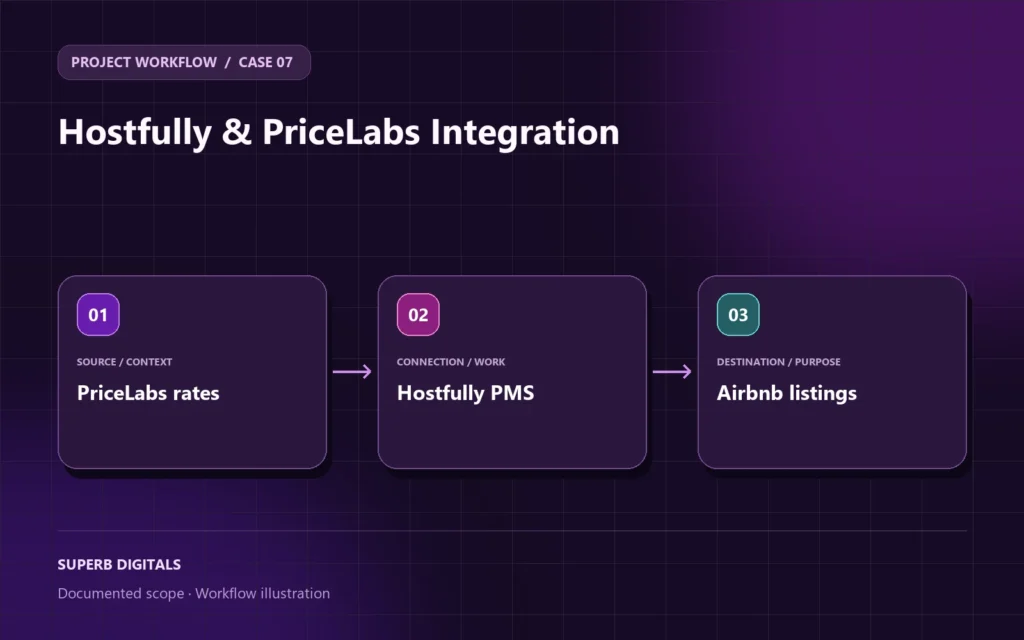
Hostfully & PriceLabs Integration
Two rental listings with different booking windows, connected pricing and practical stay-rule troubleshooting.
 AI Automation
24/7 Weather Monitoring & Smart Alert Automation
A six-phase weather automation project using Tempest, WeatherLink, IFTTT, Make.com and Apps Script for rain and storm alerts.
 AI Automation
Leonidas Labs — AI-Powered Quiz & Automated Report Generation
An AI-powered quiz funnel connecting Jotform, Make.com, OpenAI, Brevo, Stripe and Google Docs for personalized reports.