
CallRail to HubSpot — Zapier Lead Source Lookup Mapping
The client wanted CallRail Source data populated into a HubSpot CR Lead Source dropdown, but source terminology and destination options were not identical.
Project overview.
The client wanted CallRail Source data populated into a HubSpot CR Lead Source dropdown, but source terminology and destination options were not identical.
The client already had a CallRail-to-HubSpot Zap, but the CallRail Source field did not consistently match the approved labels of the HubSpot custom CR Lead Source dropdown. The concrete mapping example was Google to Google Ads.
What needed to change.
The client's company barred an external freelancer from taking direct Zapier account access. The engagement therefore needed to be a guided screen-sharing consultation, and the full source-value list remained under client control.
Exact matching matters: case changes, unknown source names and blank values must follow an approved policy rather than being silently classified under a misleading channel.
A connected solution.
We reviewed the existing Zap through client-controlled screen sharing, identified CallRail Source as the input and explained how Zapier Formatter Lookup Table entries could translate recognized values into HubSpot-approved choices. We also advised refreshing the HubSpot action if the custom destination property was not available in the selected field list. The completed consultation was paid and positively reviewed, but the client had not supplied a full mapping inventory for production verification. Technology stack: CallRail · HubSpot · Zapier Formatter.
Implementation, step by step.
Access restriction
The client’s company prohibited giving the external freelancer direct Zapier access. The developer guided the configuration through screen sharing.
Existing Zap review
The source and destination applications were already connected in part; the remaining issue was the correct value mapping.
Source identification
The relevant CallRail field was identified as Source.
Lookup example
A concrete mapping required CallRail Google to correspond to HubSpot Google Ads.
Full inventory dependency
The client needed to gather all possible source values before a complete lookup table could be configured.
Destination field refresh
The developer suggested refreshing the HubSpot action if CR Lead Source was not available in the selectable fields.
Commercial completion
The client asked to close and pay for the live consultation before gathering the remaining values; the consultation clarified the remaining source-mapping requirements.
Technical boundary
The complete live Zap and end-to-end field updates were not independently verified as deployed.
Technical decisions, edge cases and validation
The field's visible HubSpot option label may not be identical to its internal value, so end-to-end tests must inspect the saved CRM property. The client completed the consultation before collecting all source values. That outcome does not establish a fully launched, completely mapped Zap.
What We Delivered.
The Google → Google Ads example and missing full source-list dependency are documented.
Consultation completed and positively reviewed; complete lookup inventory and fully published Zap not independently verified.
Technical lessons for comparable projects: Source and destination taxonomies need explicit translation rules.
Corporate access restrictions can be respected through guided configuration.
Never infer full lookup coverage from a single mapping example.
Test unknown values and actual saved HubSpot property output before claiming successful attribution.
Project Highlights
- Consultation completed and positively reviewed; complete lookup inventory and fully published Zap not independently verified.
Frequently Asked Questions.
Why was a lookup table needed?
CallRail labels and HubSpot dropdown options did not always use identical values.
Could the consultant log into Zapier directly?
No. Company policy required guided screen-sharing support.
Were all CallRail source values configured?
The complete list was still being collected when consulting closed.
What should an unknown source do?
Follow a client-approved fallback or review policy rather than inventing attribution.
Need clearer lead-source attribution in your CRM?
Tell us about your project and discuss the next steps with Superb Digitals.
Related client work.
 AI Automation
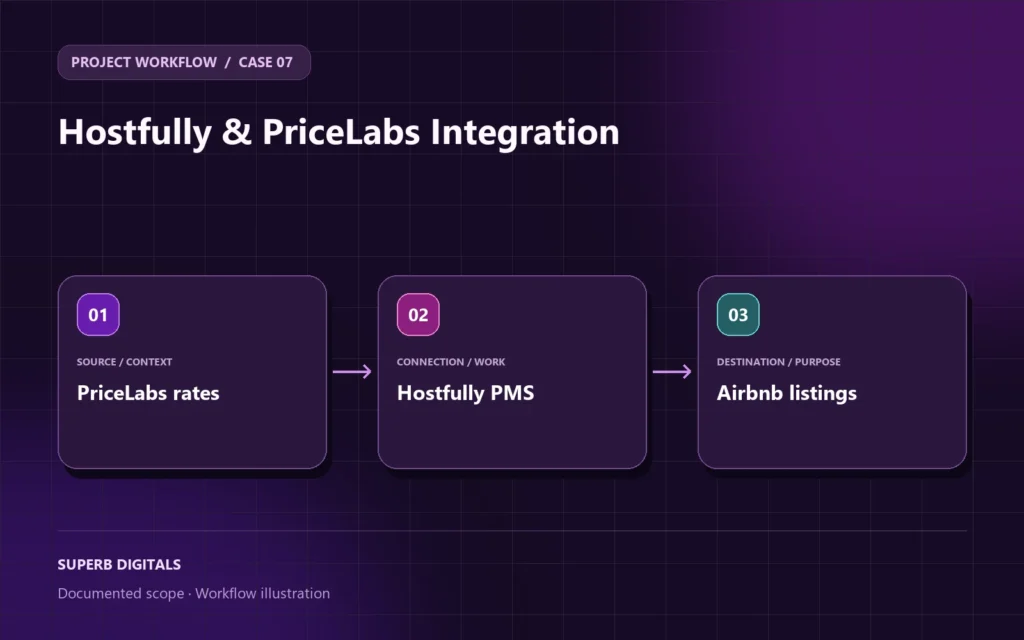
Hostfully & PriceLabs Integration
Two rental listings with different booking windows, connected pricing and practical stay-rule troubleshooting.
 AI Voice Agents
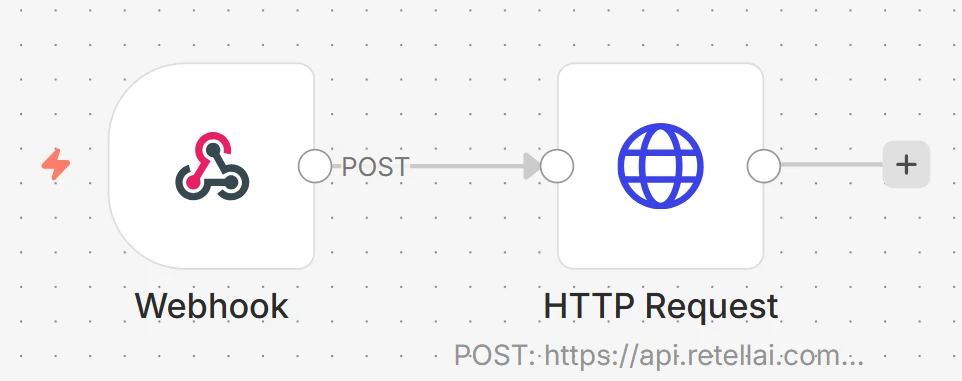
Retell AI + GoHighLevel Outbound Calling Automation
An AI outbound-calling integration connecting Retell AI, GoHighLevel and n8n for lead outreach, qualification and CRM handoff.
 AI Automation
24/7 Weather Monitoring & Smart Alert Automation
A six-phase weather automation project using Tempest, WeatherLink, IFTTT, Make.com and Apps Script for rain and storm alerts.