

Crown Hair Collective
A focused Shopify repair resolving the collision between mobile purchase controls and a floating WhatsApp button.
Project overview.
Restoring the Mobile Shopping Experience for an Online Hair Store
An online store can look beautiful and still lose customers when an essential shopping function becomes difficult to use.
For Crown Hair Collective, an online beauty retailer selling human hair wigs, bundles, frontals and closures, the problem appeared on mobile product pages.
The store owner had invested time customizing the Shopify storefront and was satisfied with its existing appearance. However, while testing wig products on a phone, the owner noticed that the Add to Cart button was difficult to tap.
Sometimes, another floating element appeared to cover part of the button.
The issue was especially noticeable on product pages featuring different wig lengths and options.
The store also used a WhatsApp chat button to help customers ask questions about hair lengths, textures and product suitability before ordering.
That customer-support feature was valuable, but its position appeared to conflict with the sticky Add to Cart area on smaller screens.
The client needed a targeted correction that would restore the mobile shopping experience without removing WhatsApp or changing the rest of the storefront.
Superb Digitals was hired to investigate and resolve the issue.
After troubleshooting the mobile layout and making the necessary adjustments, we reported successful cart testing. The client independently tested the result and confirmed that the issue was resolved.
This project demonstrates an important principle of e-commerce development: sometimes the most valuable improvement is not a complete redesign, but fixing the specific interaction preventing customers from using the website as intended.
Client: Crown Hair Collective
Industry: Beauty, Hair Extensions and E-commerce
Website: https://www.crownhaircollective.com/
Platform at the time of the project: Shopify
Project type: Mobile Storefront Troubleshooting
Main issue: Add to Cart button obstruction on mobile product pages
Affected experience: Wig product pages with selectable variants
Conflicting interface elements: Floating WhatsApp chat button and sticky Add to Cart control
Service: Shopify Bug Fix, Responsive Layout Troubleshooting and Cart Functionality Testing
Order placed: October 23, 2026
Completed: October 25, 2026
What needed to change.
A Shopping Cart Button That Was Difficult to Use on Mobile
Crown Hair Collective had an existing online storefront with a customized design and multiple beauty product categories.
Customers could browse wigs, hair bundles, frontals and closures, with products offering different lengths and other variations.
The owner wanted shoppers to be able to explore those options and add products to their carts without difficulty.
However, the desktop and mobile experiences were not behaving consistently.
Challenge 1: The Problem Was Primarily on Mobile
The client reported that the storefront looked good on a laptop.
The difficulty appeared when opening product pages on a phone.
The Add to Cart button sometimes appeared to be covered by another element, making it difficult to select.
This created a particular challenge because a website may look correct at one screen width while fixed elements overlap at another.
A desktop review alone would not have revealed the problem.
Challenge 2: The WhatsApp Button Was Important to Customer Support
The store owner had recently installed a WhatsApp chat application.
The purpose was to help customers ask questions before purchasing.
For a hair business, these questions can involve product length, texture, lace construction, colour and suitability.
The client wanted to preserve the ability to communicate with shoppers through WhatsApp.
Removing the chat application would have eliminated one feature but also removed a channel the business considered useful.
The preferred solution was to make the chat button and shopping cart controls coexist.
Challenge 3: A Sticky Add to Cart Feature Was Also Active
The store also used a sticky Add to Cart button on mobile.
Sticky purchase controls are intended to keep a buying action accessible while customers scroll through product information.
However, they can cause interface conflicts when another application places a fixed element in the same screen area.
In this project, the WhatsApp button appeared close to the sticky cart control.
That made the interaction between the two components an important area to investigate.
Challenge 4: The Issue Was Most Noticeable on Wig Products
The owner identified 13×4 lace frontal wig product pages as a particular source of difficulty.
These products had selectable options, including different lengths.
This mattered because fixing the visibility of the purchase button would not be sufficient if customers still encountered problems after choosing a product variation.
The testing needed to consider both the mobile layout and the product selection process.
Challenge 5: The Existing Store Design Had to Remain Intact
The client was clear about one requirement.
They liked the existing homepage and had already spent considerable time customizing the theme.
They did not want a redesign.
This meant the work needed to be carefully limited to the affected functionality.
A broad redesign could introduce new problems, increase costs and change parts of the website that were already working.
The objective was to resolve the shopping problem while preserving the storefront’s existing appearance.
A connected solution.
Diagnose the Conflict Before Making Changes
We began by asking the client targeted questions about the issue.
Was the button difficult to use on every product page?
Did it happen only on specific products?
Were any sticky cart controls, WhatsApp buttons or floating promotional elements active?
These questions helped narrow down the possible causes.
The owner confirmed that both a floating WhatsApp button and a sticky Add to Cart feature were installed.
That made an overlap between two fixed-position elements a plausible explanation.
Rather than assuming that the entire Shopify theme was defective, we focused on the interaction between the affected components.
We also discussed working with a duplicate theme so changes could be tested more safely before affecting the published storefront.
The project was approached as a targeted troubleshooting task, not a general website redesign.
Implementation, step by step.
Stage 1: Reviewing the Mobile Product Page
The first priority was to understand the issue from the customer’s perspective.
The client supplied the storefront URL and described what happened when browsing from a mobile phone.
We focused on the product-page layout and the elements positioned near the bottom of the screen.
The WhatsApp button was close to the sticky Add to Cart area.
This raised several technical considerations.
Two interface elements may occupy overlapping positions even when they come from separate applications.
A floating button can visually cover another control.
An element with a higher stacking order may receive touch interactions intended for the element underneath it.
The layout may also change depending on the viewport width, the browser and the product information displayed.
These are examples of the technical factors that need to be considered when investigating this type of issue.
The immediate objective was to identify which interface elements were competing for the same mobile screen space.
Stage 2: Isolating the Button Conflict
The client confirmed that the problem became noticeable after adding a WhatsApp chat application while already using a sticky cart feature.
This pointed toward an interaction between the two controls.
We concentrated on the mobile presentation rather than making unrelated changes to the homepage, navigation or product information.
The goal was to restore a clear separation between the chat action and the purchase action.
From a user experience perspective, both controls serve different purposes.
Add to Cart
Allows a shopper to begin purchasing the selected product.
WhatsApp Chat
Allows a shopper to ask a question or request assistance before buying.
Both can be useful, but they should not obstruct one another.
The troubleshooting process therefore prioritized accessibility of the purchase action while retaining the intended support feature.
Stage 3: Planning a Low-Risk Shopify Fix
Because the client wanted the existing design preserved, we discussed testing changes on a duplicate theme.
This was intended to reduce the risk of introducing unrelated visual changes.
The scope was limited to the identified mobile interface conflict.
We did not propose a complete Shopify redesign, a theme replacement or a new shopping cart system.
The client accepted a fixed-price troubleshooting service based on the understanding that the issue was a relatively small layout problem.
The implementation concentrated on correcting the conflicting mobile controls while maintaining the rest of the store’s presentation.
The archived conversation does not include a complete code diff or individual CSS declarations, so the exact code changes are not represented here as independently verified details.
What is documented is the specific interface problem, the targeted correction and the subsequent successful user testing.
Stage 4: Restoring the Add to Cart Interaction
After making the adjustments, we tested the affected shopping interaction.
The results reported to the client confirmed three important improvements.
The Add to Cart button was accessible again.
The purchase action was no longer obstructed in the tested mobile experience.
The WhatsApp button no longer covered the purchase control.
The conflicting floating element had been repositioned or otherwise corrected so the overlap no longer prevented the intended interaction.
The selected wig variation could be added to the cart.
Testing included choosing a product length and using the Add to Cart action.
This last point was particularly important.
A product page with variations needs more than a visible purchase button.
The selected product options must also be accepted by the cart interaction.
The recorded test therefore covered the practical buying action, not just the visual appearance of the button.
Stage 5: Testing the Product Selection Journey
For a store selling human hair products, the shopping journey can involve several choices.
Customers may compare different wig constructions, textures, lengths and colours before adding a product to the cart.
The client’s issue was identified on wig product pages, particularly those offering different lengths.
After the correction, our test confirmed that a selected length could be added to the shopping cart.
This provided evidence that the immediate bug had been resolved in the tested scenario.
However, it did not amount to a complete audit of every product variation, payment method or checkout pathway across the store.
Those would require separate testing.
For this engagement, the acceptance criterion was narrower: restore the affected mobile Add to Cart functionality without disrupting the existing storefront design.
Stage 6: Client Verification
After completing the initial tests, we sent the client an update explaining that the button was accessible and that the WhatsApp element no longer obstructed it.
We then asked the owner to test the correction.
The client confirmed that the issue was resolved.
This step was important because the original problem had been identified through the owner’s own phone testing.
Having the client repeat the interaction provided a practical confirmation that the corrected experience met their immediate needs.
It also helped avoid relying entirely on developer-side testing.
What We Delivered.
A Restored Mobile Shopping Interaction
The project was delivered on October 25, 2026.
The feedback recognized the targeted nature of the work, the communication throughout the project and the fact that the existing store design was preserved.
The central outcome was simple but important:
The client could use the affected mobile Add to Cart control again without the WhatsApp element blocking the interaction.
Confirmed Project Outcomes
Mobile purchase control restored
The reported test showed that the Add to Cart action was accessible after the correction.
Floating button conflict addressed
The WhatsApp chat element no longer covered the sticky purchase control in the tested scenario.
Product variation tested
A wig product could be added to the cart after selecting a length.
Existing storefront design preserved
The client confirmed satisfaction with the correction without requesting a wider redesign.
Buyer confirmation received
The owner independently tested the change and confirmed that it was working.
The client confirmed that the mobile cart correction was working after the update.
Results Not Independently Measured
This project did not include a verified analysis of sales conversion rates, abandoned carts or revenue.
We therefore do not claim:
- A particular percentage increase in sales
- Reduced cart abandonment
- More completed orders
- Improved Google rankings
- Faster page loading
- A complete store redesign
- A fully audited checkout experience
Those results would require additional performance data and testing.
The documented success was the correction of a specific mobile shopping issue and the client’s confirmation that the affected interaction worked.
What This Project Demonstrates About Superb Digitals
1. Shopify Troubleshooting Experience
The project required identifying a user-interface problem within an existing Shopify storefront.
Rather than making broad changes, we investigated the behaviour of the relevant product-page elements.
This approach is useful for merchants who need a specific problem resolved without rebuilding their entire store.
2. Mobile Responsive Problem-Solving
The issue occurred primarily on mobile devices.
It required attention to how floating and sticky interface elements behaved on smaller screens.
Mobile usability cannot be evaluated solely through desktop appearance.
3. Understanding of E-commerce Purchase Interactions
The Add to Cart button is a core shopping control.
The project involved checking whether a selected product variation could be added successfully.
This demonstrated attention to the functional shopping journey, not merely visual design.
4. Third-Party App Compatibility Awareness
The issue involved a WhatsApp chat application and a separate sticky cart feature.
The work illustrates how multiple applications can create conflicts when they control the same screen area.
Understanding those interactions is important when troubleshooting storefronts with several installed apps.
5. Protecting the Existing Design
The owner wanted to preserve the store’s appearance.
Our work focused on the affected interaction rather than proposing unnecessary design changes.
This demonstrates a practical approach to maintenance and bug fixing.
6. Client-Centred Testing
The correction was not considered finished solely because a change had been made.
The affected purchase action was tested, and the client was asked to confirm the result.
That feedback became an important part of the project’s completion.
What Other Shopify Store Owners Can Learn From This Project
The Crown Hair Collective project highlights several lessons relevant to e-commerce website maintenance.
A visually attractive store can still have functional problems.
Appearance and usability need to be tested separately.
Third-party apps should be tested together.
Two apps may function correctly in isolation but create conflicts when both introduce floating or sticky controls.
Mobile testing matters.
A problem may be invisible on a laptop and immediately noticeable on a phone.
Product variants should be included in cart testing.
A purchase button should work after the customer selects available product options.
Not every issue requires a redesign.
A focused correction can sometimes be more appropriate than replacing an otherwise satisfactory storefront.
Customer acceptance is valuable evidence.
Having the store owner repeat the original interaction helps confirm that the issue was addressed from their perspective.
Project visuals.
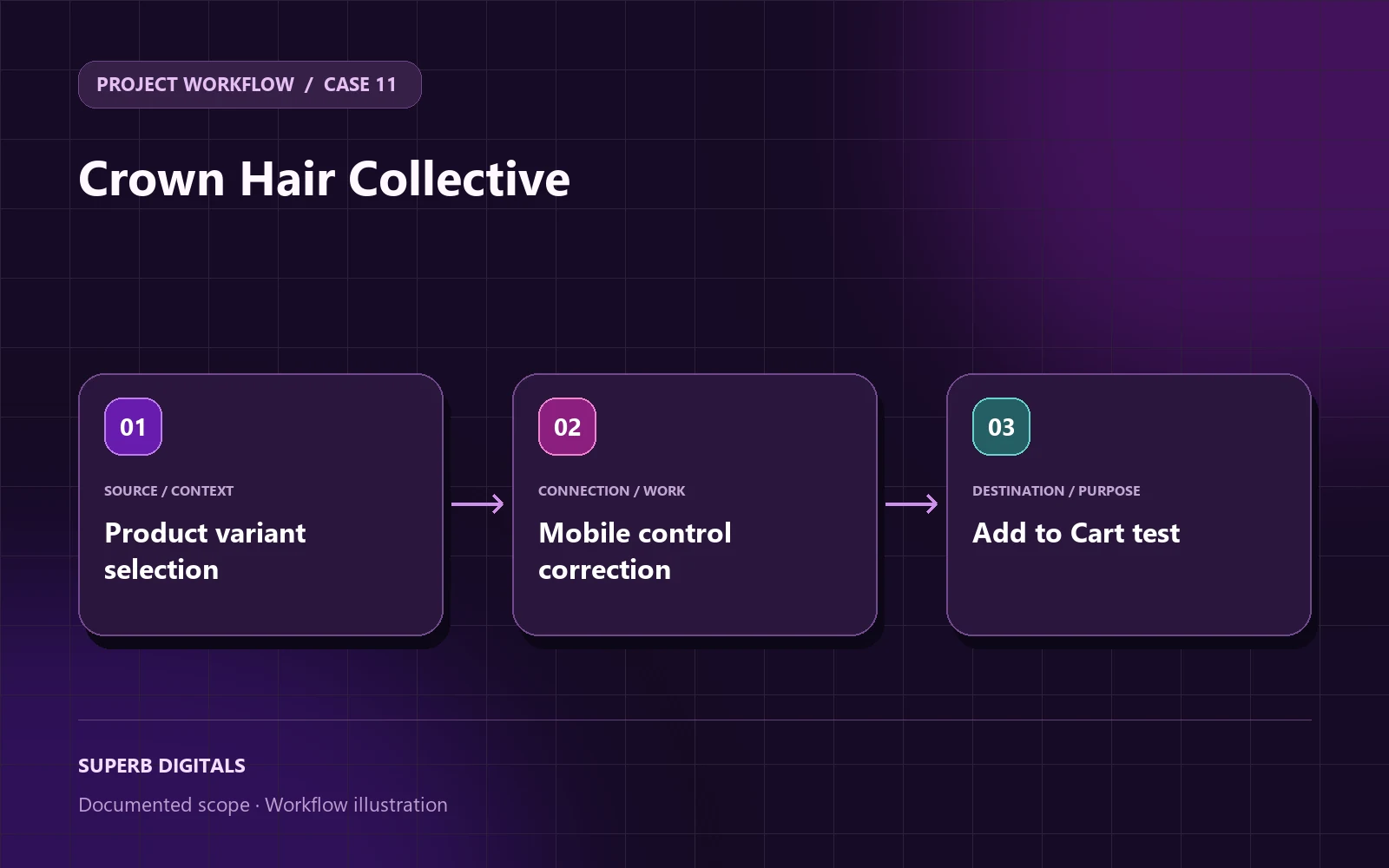 View image
Frequently Asked Questions.
Why is my Shopify Add to Cart button not working on mobile?
Possible causes include overlapping floating buttons, sticky cart conflicts, app-generated interface elements, JavaScript errors, theme compatibility problems or issues with product variants. The actual cause should be identified through inspection rather than assumed.
Can a WhatsApp chat button block the Shopify Add to Cart button?
Yes. A floating chat button may overlap with a sticky purchase control on smaller screens. Depending on positioning and stacking behaviour, it may also interfere with touch interactions.
How do I fix a Shopify sticky Add to Cart overlap?
The appropriate fix depends on the theme and installed apps. It may involve adjusting positioning, spacing, responsive styling or the configuration of the relevant application. Changes should be tested across affected mobile layouts.
Can Shopify product-page bugs be fixed without redesigning the store?
Yes. Many issues can be corrected through targeted theme adjustments or app configuration changes. A full redesign is generally unnecessary when the problem is limited to a specific element.
Will fixing the Add to Cart button remove my WhatsApp chat feature?
Not necessarily. If both features are compatible, their positioning or behaviour can often be adjusted so that customers can use the purchase control and the chat feature without conflict.
Why does my Add to Cart button work on desktop but not on mobile?
Desktop and mobile layouts can use different spacing, element positioning and sticky controls. A mobile-specific style or app element may interfere with the purchase action even when the desktop interface works.
Should I duplicate my Shopify theme before making changes?
Creating a backup or duplicate theme is a useful precaution before making code or layout changes. It provides a separate environment for reviewing changes before applying them to the published storefront.
Do Shopify product variants affect Add to Cart functionality?
They can. A store may need to ensure that the selected size, length, colour or other variation is valid and correctly recognized when the customer adds a product to the cart.
Does fixing a mobile cart issue guarantee increased sales?
No. Restoring a broken shopping interaction addresses a usability problem, but sales performance also depends on traffic quality, product demand, pricing, customer confidence and checkout behaviour.
Can Superb Digitals troubleshoot an existing Shopify store?
Yes. Superb Digitals works on Shopify theme issues, responsive design problems, product-page functionality, app conflicts and other supported e-commerce website improvements.
Need Help Fixing Your Shopify Store?
Your online store should make it easy for customers to browse products, choose the right options and complete the actions they intend to take.
If an Add to Cart button is broken, an app is covering important content or a product page behaves differently on mobile, the problem deserves a focused technical investigation.
At Superb Digitals, we help e-commerce businesses troubleshoot Shopify issues, refine product-page experiences and improve existing online stores without making unnecessary changes.
Whether you need a targeted bug fix, mobile layout adjustment or broader Shopify website development, we can help assess the problem and recommend an appropriate solution.
Discuss your Shopify website issue with Superb Digitals.
Superb Digitals specializes in website development, e-commerce solutions, CRM integration and AI-powered business automation.
Want a smoother mobile shopping experience?
Tell us about your project and discuss the next steps with Superb Digitals.