
DIDWW + Make.com + HaDavar — Hebrew Caller SMS Automation
The client needed a call-triggered Hebrew-language SMS sent through HaDavar following relevant DIDWW telephone events, with the appropriate caller receiving the message.
Project overview.
The client needed a call-triggered Hebrew-language SMS sent through HaDavar following relevant DIDWW telephone events, with the appropriate caller receiving the message.
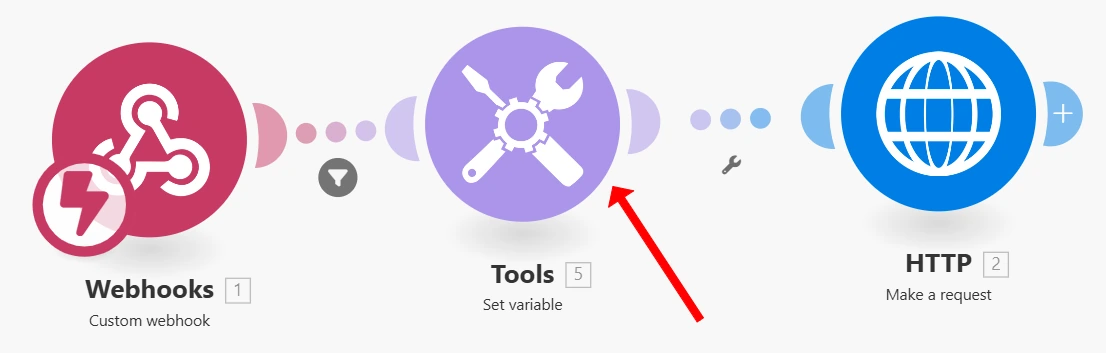
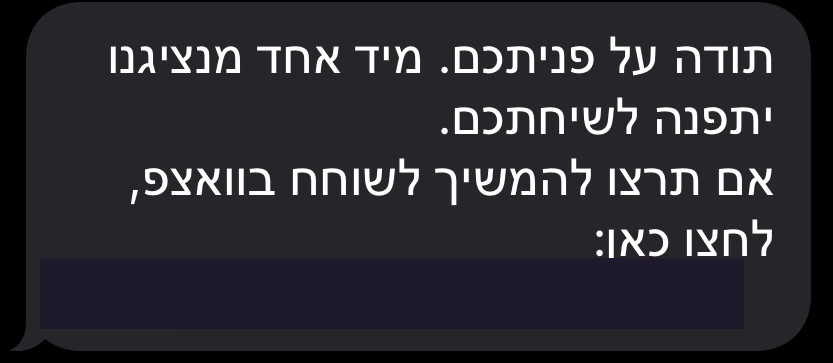
The client wanted an automatic Hebrew SMS after an inbound call to a DIDWW number. The event needed to reach Make.com and then HaDavar, with the right local-language message and, crucially, the right recipient phone number.
What needed to change.
The initial test appeared successful when the owner called their own number. Later, calls from other numbers exposed a mapping error: SMS messages were reaching the owner's phone rather than the actual callers. An earlier test with the owner as both caller and recipient could not reveal that defect.
The critical fields are not interchangeable: the inbound DID, the origin/caller number and the outbound SMS recipient have different meanings.
A connected solution.
We configured the DIDWW-to-Make.com-to-HaDavar workflow, prepared the sender/message fields and demonstrated where the Hebrew text could be edited in the Make.com message body. During follow-up testing, we investigated the destination-field issue and updated the recipient mapping. The client acknowledged the update, but no independent post-fix test from several different callers is retained. Technology stack: DIDWW · Make.com · HaDavar SMS.
Implementation, step by step.
Call event capture
DIDWW was the telephony source; Make.com needed to receive the relevant webhook or event data.
Message preparation
The workflow required a Hebrew message and an appropriate sender identity, described in project materials as Kol Kav.
HaDavar API call
Make.com coordinated a request to the SMS provider and used the event context to populate recipient and content.
Initial client test
The client called from their own number and reported an SMS arrived successfully.
Client handover
The developer explained how to edit text inside the message tags in Make.com.
Recipient mapping failure
After completion, the client found that a call from a different phone caused the SMS to go to the client’s private number, not the caller.
Post-delivery correction
The developer reported changing the recipient mapping on March 27; the client thanked them, but no independent multi-caller delivery test after that fix is recorded.
Technical decisions, edge cases and validation
Editing text between the appropriate message tags was demonstrated; a Google Sheets or Airtable message-editor interface was only proposed.
What We Delivered.
Recipient-field mapping was adjusted during follow-up troubleshooting.
The DIDWW–Make.com–HaDavar SMS workflow was configured; recipient mapping was subsequently corrected, with broader multi-caller regression testing still advisable.
Technical lessons for comparable projects: Design telephony mappings around field meaning, not superficially similar phone values.
Test from at least two external callers, not only the account owner's own number.
Distinguish message content editing inside Make.com from a separately developed content-management interface.
Project Highlights
- The DIDWW–Make.com–HaDavar SMS workflow was configured; recipient mapping was subsequently corrected, with broader multi-caller regression testing still advisable.
Frequently Asked Questions.
What triggers the SMS?
An eligible inbound DIDWW event processed by the Make.com workflow.
Why did an early test pass but other callers fail?
The test setup did not distinguish the account owner’s number from the true caller-recipient mapping.
Was the recipient correction independently retested?
The developer reported a change, but no accepted multi-caller retest is archived.
Was spreadsheet message editing shipped?
No. The documented editing method was directly inside Make.com.
Need call-triggered messages configured for your business?
Tell us about your project and discuss the next steps with Superb Digitals.
Related client work.
 AI Automation
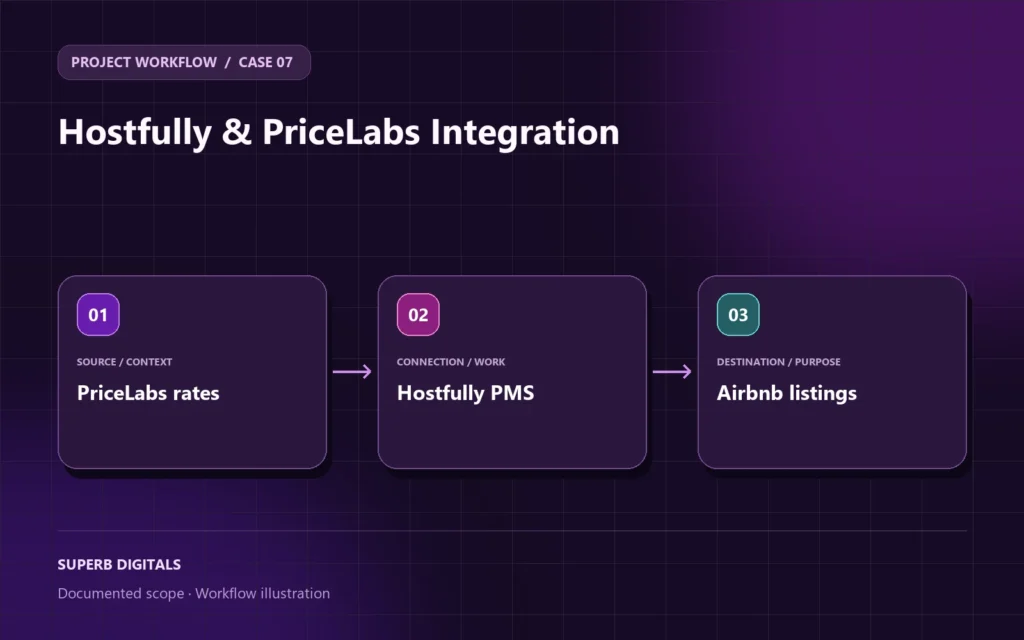
Hostfully & PriceLabs Integration
Two rental listings with different booking windows, connected pricing and practical stay-rule troubleshooting.
 AI Automation
24/7 Weather Monitoring & Smart Alert Automation
A six-phase weather automation project using Tempest, WeatherLink, IFTTT, Make.com and Apps Script for rain and storm alerts.
 AI Automation
Leonidas Labs — AI-Powered Quiz & Automated Report Generation
An AI-powered quiz funnel connecting Jotform, Make.com, OpenAI, Brevo, Stripe and Google Docs for personalized reports.