
Just Like Home — Domain & SSL Setup
Connecting an existing Hostaway website to a GoDaddy domain and separating DNS propagation from SSL readiness.
Project overview.
Making a Vacation Rental Booking Website Accessible Through Its Own Domain
A vacation rental website isn’t ready for guests simply because its pages have been designed.
The website also needs a working domain connection, correct DNS configuration and a valid SSL certificate so visitors can access it securely.
These technical details may not be visible to guests when everything works correctly, but they become immediately noticeable when a website fails to load or a browser displays a security warning.
That was the challenge behind our work with Just Like Home, a vacation rental website using Hostaway.
The client already had a domain registered through GoDaddy and a website prepared within the Hostaway environment.
What they needed was assistance connecting the two platforms.
The initial task was straightforward: configure the domain correctly so it could direct visitors to the Hostaway website.
However, testing revealed an additional issue.
Although the DNS records were configured and began propagating, the SSL certificate had not yet been activated.
This meant that the website required further investigation before the custom domain setup could be considered complete.
Superb Digitals worked with the client through a remote desktop session, reviewed the domain configuration, monitored DNS propagation and investigated the HTTPS issue.
On September 24, 2025, we confirmed that the website connection was working and shared a screenshot with the client.
This project demonstrates our experience connecting website platforms, diagnosing domain configuration problems and managing technical dependencies during website deployment.
Client: Just Like Home
Industry: Vacation Rentals and Hospitality
Website domain: justlikehomebnb.com
Domain registrar: GoDaddy
Booking website platform: Hostaway
Remote access tool: AnyDesk
Technical services: DNS Configuration, Custom Domain Integration, HTTPS Troubleshooting, SSL Verification and Remote Technical Support
Project started: September 23, 2025
Initial configuration: September 23, 2025
Working connection reported: September 24, 2025
What needed to change.
A Domain and Booking Website That Needed to Work Together
The client had two existing systems.
The first was a domain registered through GoDaddy.
The second was the Hostaway website intended to serve as the business’s online booking destination.
Although both services were available, the connection between them needed to be configured.
A domain registrar and a website platform do not automatically communicate just because a business uses both.
DNS records must direct the domain to the correct destination, and the website platform must be configured to recognize the domain.
The client needed someone who understood these requirements and could carry out the configuration.
Several technical challenges emerged.
Challenge 1: Configuring the Correct DNS Records
A domain relies on DNS records to direct visitors to its intended destination.
Depending on the website platform and the type of domain being connected, the setup may require A records, CNAME records or other supported DNS configurations.
The records need to match the instructions for the specific website environment.
Incorrect or conflicting records can cause a website to load from the wrong server or fail to resolve correctly.
For this project, we needed to establish the proper connection between the GoDaddy-managed domain and Hostaway.
Challenge 2: Coordinating Access to Two Different Platforms
The client had access to both systems but preferred remote assistance.
Instead of sharing complete account access through the usual collaborator workflow, the owner requested an AnyDesk session.
This required coordinating a remote connection and carrying out the configuration through the client’s desktop environment.
The work therefore involved both technical setup and practical communication.
Challenge 3: Understanding DNS Propagation
DNS changes are not always visible immediately.
After a domain record is updated, different networks and DNS resolvers may continue using previously cached information until it refreshes.
This can make a correctly entered record appear ineffective for a period.
The client needed to understand why changes might not appear instantly and how the setup could be checked.
Challenge 4: SSL Was Not Active After DNS Configuration
Following the initial domain connection, we identified that the SSL certificate had not yet been activated.
This required further investigation.
A domain can point to the intended website while HTTPS is still being provisioned.
The two processes are related, but they are not identical.
The DNS configuration needed to be correct before Hostaway could successfully complete the relevant certificate process.
Challenge 5: Avoiding Conflicting Changes
During troubleshooting, we noticed that one of the DNS records had been modified.
The client confirmed that they had made a change.
This introduced a practical problem: two people making changes to the same DNS configuration can unintentionally interfere with one another.
We therefore had to reconfirm the records and coordinate further adjustments.
A connected solution.
Diagnose, Configure and Verify
We approached the task as a website deployment problem, not a website redesign.
The client did not need a new homepage, theme or content management system.
They needed their existing website connected to the correct domain.
Our work focused on understanding the configuration, implementing the required changes and verifying the result.
We also separated the DNS connection from SSL certificate activation.
This mattered because a working DNS record does not necessarily mean that HTTPS is already ready.
The implementation involved a sequence of checks rather than assuming that adding a DNS record would complete every part of the process.
Implementation, step by step.
Stage 1: Reviewing the Domain and Hostaway Requirements
The first step was to establish where the domain was managed and where the website was hosted.
The client confirmed that the domain was registered through GoDaddy and that the intended website was in Hostaway.
We clarified that the website itself was already prepared.
This meant we could concentrate on the configuration required to connect the domain.
We also discussed access arrangements and agreed to work through AnyDesk.
This helped define the actual scope and avoid making changes to unrelated website features.
Stage 2: Establishing Remote Access
The client preferred to grant access through a remote desktop session.
We coordinated the AnyDesk connection and began reviewing the relevant settings.
This gave us a way to work directly within the environment made available by the client.
Remote assistance was appropriate for this task because the owner wanted us to manage the configuration while retaining access to their accounts.
The experience also illustrated the importance of coordinating remote access clearly.
Both parties needed to be available for connection requests and authorization.
Stage 3: Configuring GoDaddy DNS
After accessing the domain settings, we worked on the DNS configuration required to point the domain toward Hostaway.
The process involved reviewing the existing records and updating the relevant entries.
The domain needed to direct visitors to the booking website rather than an unrelated destination.
Different Hostaway website products can require different DNS configurations, so the appropriate records must be selected for the actual account and website type.
The archived project messages confirm DNS configuration work, but they do not preserve a complete before-and-after record of every DNS value entered.
For that reason, this case study does not attribute an undocumented IP address or specific CNAME target to the original implementation.
The verified work was the domain configuration and subsequent propagation checks.
What We Delivered.
A Working Custom Domain During the Project
The project established the intended GoDaddy-to-Hostaway domain connection during September 2025.
The recorded work included DNS configuration, propagation monitoring, SSL troubleshooting and client-side verification.
Verified Project Outcomes
Custom domain configuration
We worked on connecting the client’s GoDaddy domain to the Hostaway booking website.
DNS propagation confirmed
The archived messages record our confirmation that the relevant DNS records had propagated.
SSL troubleshooting completed
We investigated the certificate activation issue and worked through the required configuration checks.
Working website reported
On September 24, we confirmed that the domain connection was working and supplied a screenshot.
Client acknowledgement
The client thanked us after receiving the working-status update.
The order was marked completed on September 25, 2025.
Outcomes Not Independently Measured
The project did not include verified figures for website traffic, booking conversion, search ranking improvements or revenue.
We also cannot confirm from the original records that every possible reservation and payment workflow was tested after the domain connection.
The current website’s hosting and platform configuration may differ from the 2025 setup.
The documented success was the technical resolution of the domain connection and HTTPS issue during the project.
What This Project Demonstrates About Superb Digitals
1. DNS Configuration Experience
The project required working with domain records and understanding how they direct traffic toward an external website platform.
This knowledge is valuable for businesses launching websites, connecting subdomains or troubleshooting domain issues.
2. Third-Party Platform Integration
The client used GoDaddy for the domain and Hostaway for the booking website.
The task required coordinating settings across the two services.
It demonstrates practical experience working with websites that depend on multiple providers.
3. SSL and HTTPS Troubleshooting
The initial domain connection exposed a certificate activation problem.
We investigated the issue and worked through the relevant platform and DNS settings.
This illustrates experience distinguishing between domain resolution and secure HTTPS availability.
4. Remote Technical Support
The client requested assistance through AnyDesk.
We coordinated remote access and performed the configuration within the environment available to us.
This is relevant to clients who need hands-on support rather than general written instructions.
5. Troubleshooting Under Changing Conditions
The client modified one of the DNS records during the process.
We identified the change, reviewed the setup and reconfirmed the relevant configuration.
This illustrates the importance of systematic troubleshooting and communication during technical work.
6. Focusing on the Actual Business Need
The client already had a website.
They did not need a redesign or an unnecessary migration to another platform.
Our task was to connect the existing tools and make the custom domain work.
This reflects our approach to technical services: solve the problem that matters to the client without introducing complexity that the project does not require.
Project visuals.
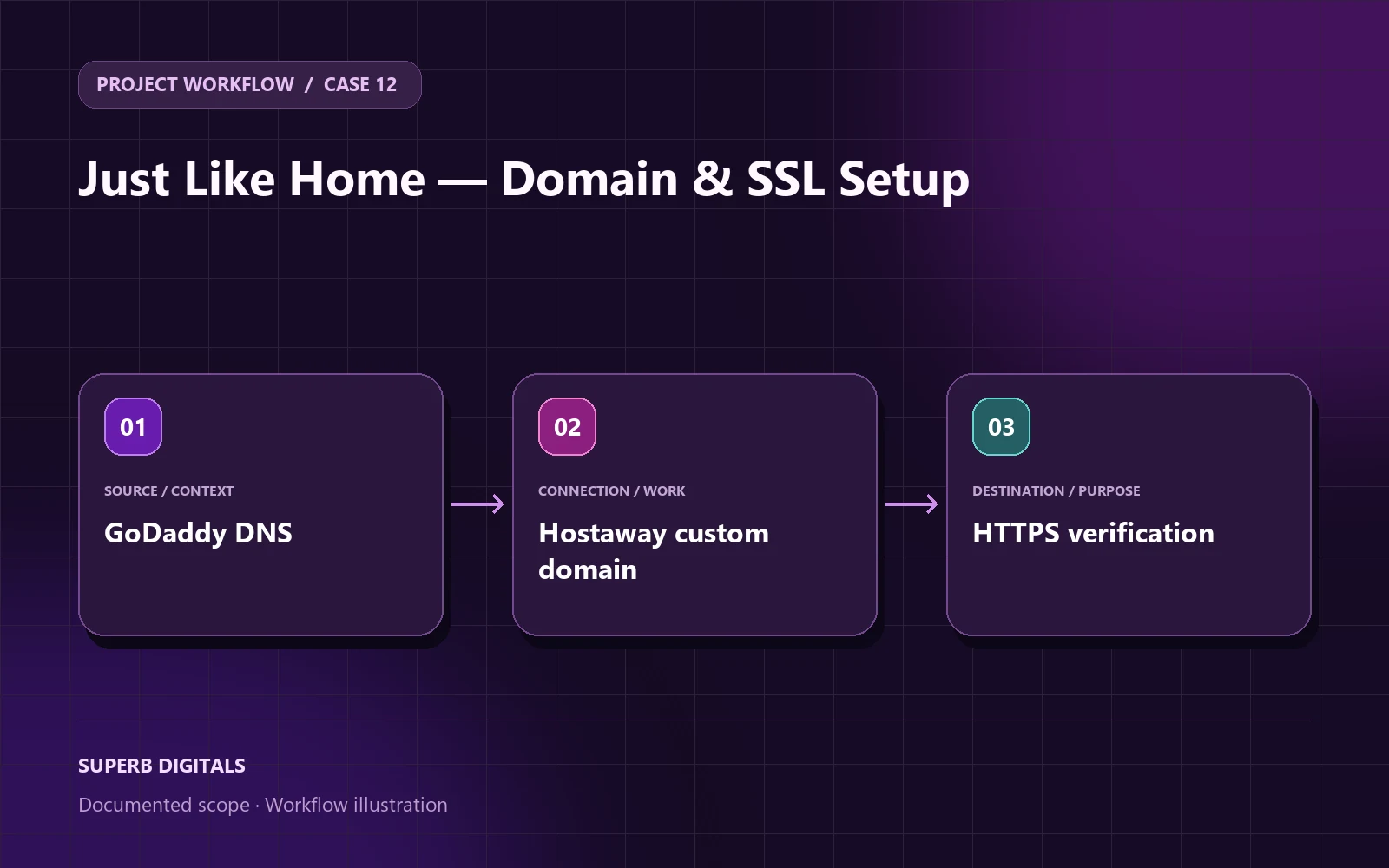 View image
Frequently Asked Questions.
Can I connect a GoDaddy domain to Hostaway?
Yes. A domain registered with GoDaddy can be connected to a supported Hostaway booking website by configuring the correct DNS records and custom domain settings.
Does Hostaway provide SSL certificates for custom domains?
Hostaway supports automatic SSL certificate provisioning for compatible custom-domain configurations. The DNS settings must meet the requirements for the selected Hostaway website product.
Why is my Hostaway website showing a Not Secure warning?
Possible causes include incomplete DNS propagation, conflicting DNS records, an SSL certificate that has not yet been issued or a mismatch between the domain settings and the Hostaway configuration.
How long does a domain connection take?
DNS changes can become visible quickly, but propagation and SSL certificate provisioning may take longer. The actual time depends on the previous records, DNS caching and the website provider’s certificate process.
Do I need hosting from GoDaddy to use Hostaway?
Not necessarily. A domain can remain registered with GoDaddy while the website itself is provided through Hostaway. Domain registration and website hosting are separate services.
What is the difference between an A record and a CNAME?
An A record maps a domain name to an IPv4 address. A CNAME makes one hostname an alias of another. Which record is appropriate depends on the website platform and the domain or subdomain being configured.
Can I use a subdomain for my Hostaway booking website?
Yes. Where supported by the relevant Hostaway product, a business can use a booking subdomain while maintaining its main website elsewhere.
Why does my domain load but HTTPS still fail?
DNS resolution and SSL certificate issuance are related but separate processes. A domain may resolve to the intended service before its certificate has been successfully provisioned.
Will changing DNS records affect my business email?
It can, particularly if nameservers or email-related records are changed or removed. Existing MX, SPF, DKIM and other necessary records should be reviewed when making significant DNS changes.
Can Superb Digitals troubleshoot an existing domain or SSL issue?
Yes. We provide website configuration and integration support, including domain connections, DNS troubleshooting, HTTPS-related issues and supported third-party website platforms.
Need Help Connecting a Domain or Fixing an SSL Issue?
A website that cannot be reached reliably is a problem for any business.
Whether you’re connecting a new domain, troubleshooting an SSL certificate or linking your website to a third-party platform, the configuration needs to be correct.
At Superb Digitals, we help businesses resolve technical website issues, connect supported systems and prepare their online services for use.
Our experience includes WordPress development, custom domain configuration, hosting support, booking website integrations, CRM connections and automation systems.
Get professional help with your website configuration.
Contact Superb Digitals to discuss your domain, DNS, SSL or website integration requirements.
Superb Digitals — Web Development, CRM & AI Automation Solutions.
Need help connecting your domain and booking website?
Tell us about your project and discuss the next steps with Superb Digitals.
Related client work.
 Web Development
Altura Villa Management
A branded Hostaway Pro guest experience aligned with a separate Wix villa-management website.
 Web Development
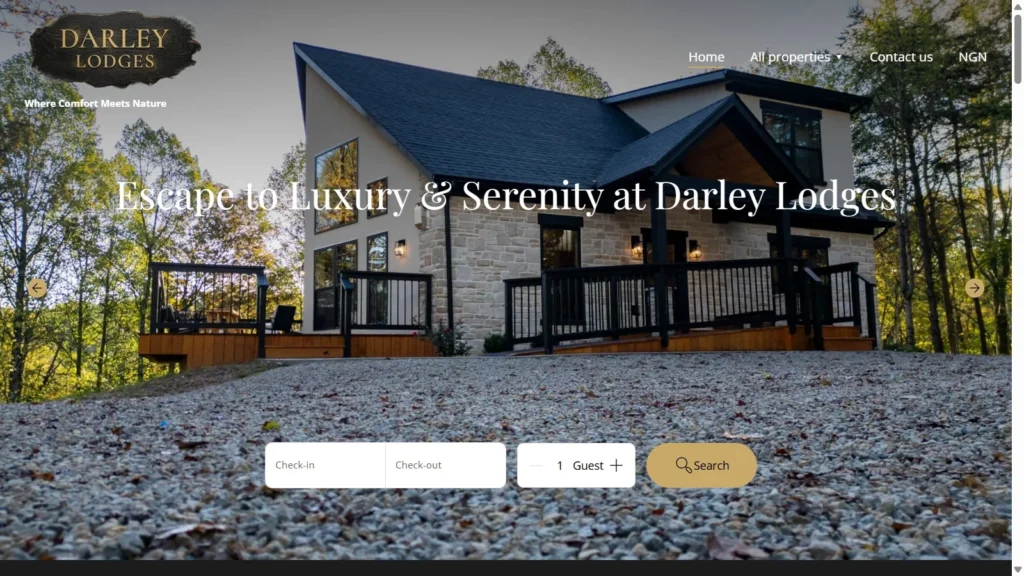
Darley Lodges
A two-property Lodgify redesign focused on distinct cabin presentation and clear direct-booking navigation.
 Web Development
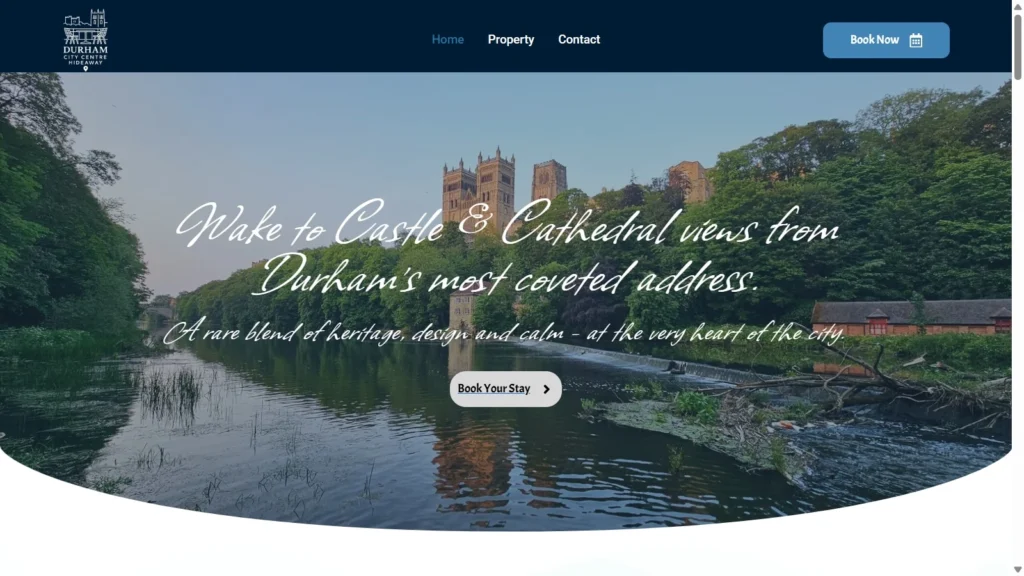
Durham City Centre Hideaway
A single-property website connecting accommodation storytelling, virtual-tour planning and a clear booking journey.